
Drum scan examples · real files · real film
Drum scan examples
A small library of drum scan examples and practical guides. To judge scan quality quickly, look for smooth gradients, clean shadow separation and natural grain.
Scanner used: Heidelberg Tango drum scanning, wet mount, 16-bit TIFF.
How to use this page
How to read scan quality
Three fast checks you can do on any sample:
- Highlights: smooth transitions, no banding.
- Shadows: separation, not crushed blacks.
- Edges: detail without halos.
For the scanner, mounting and workflow details, start with the Heidelberg Tango page, then compare the examples below.
Example library
Real-world drum scan samples
Open the post, zoom in, and inspect gradients, shadows, grain, borders and texture.
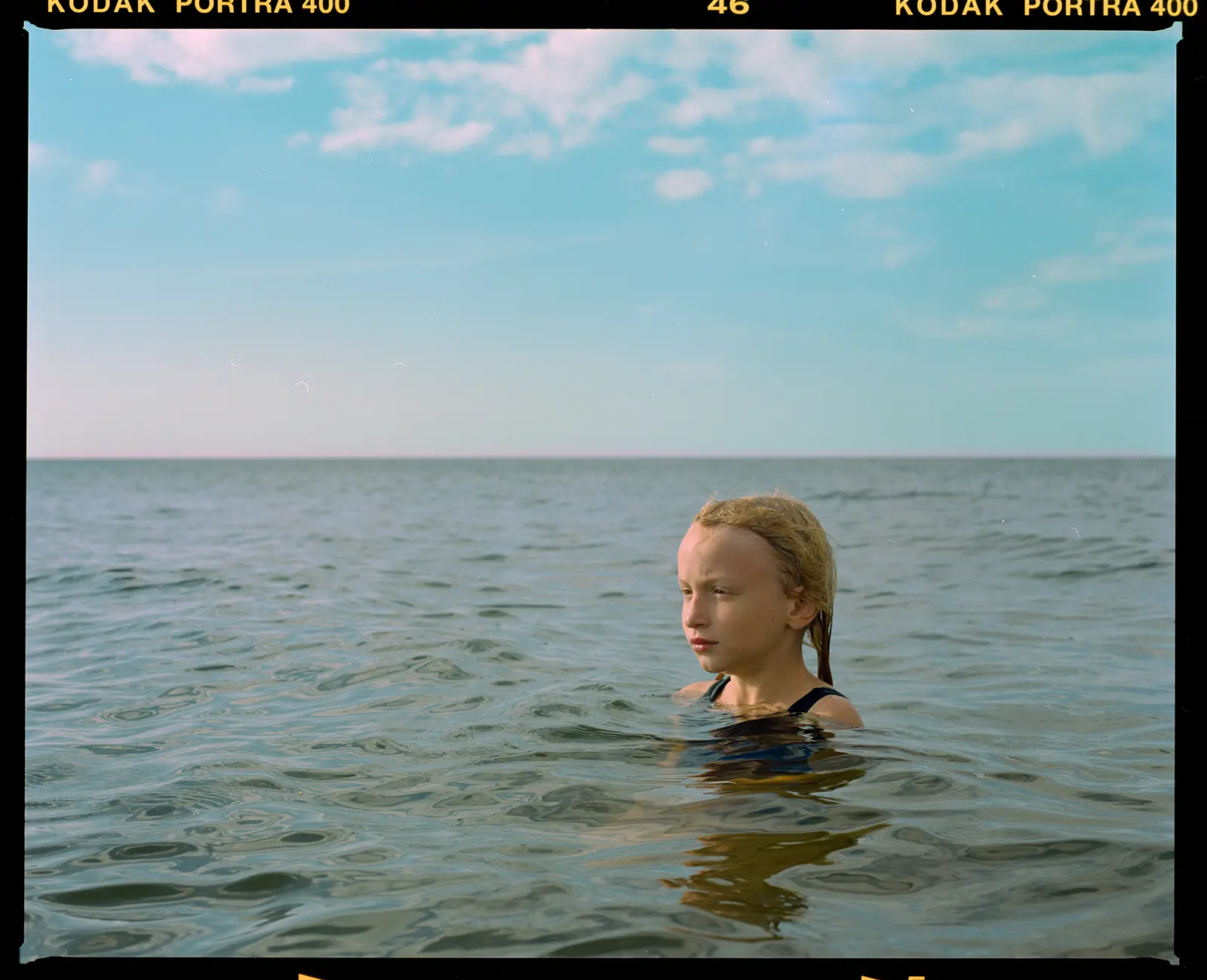
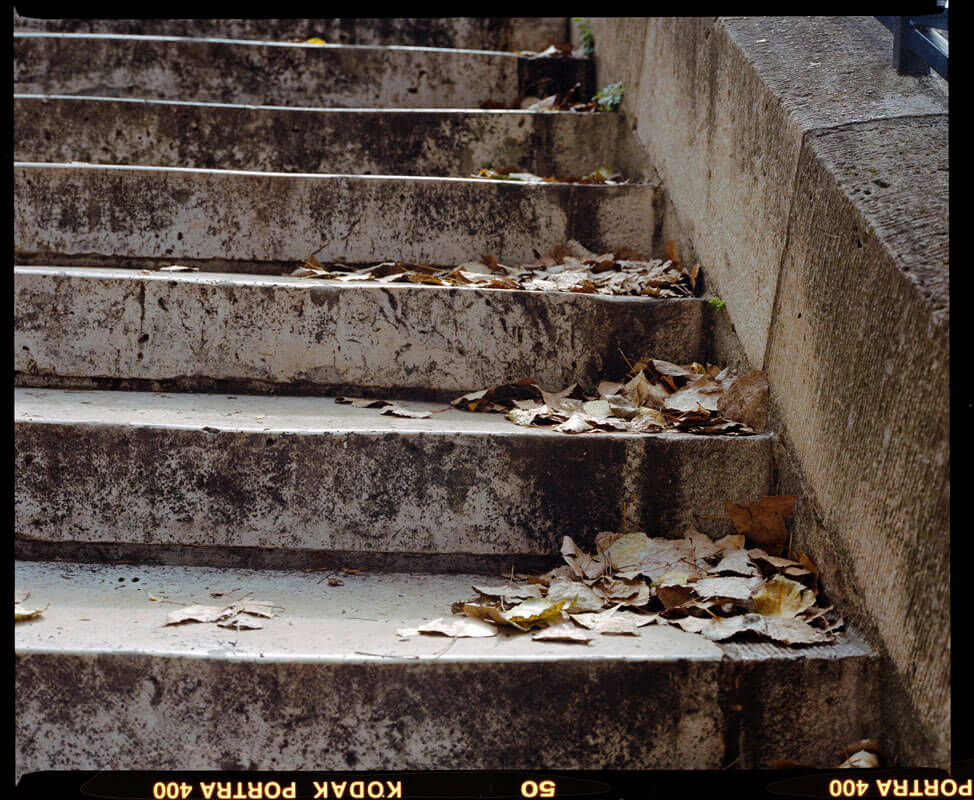
Kodak Portra 400 drum scan example (6×7, 120 film)
10,000px short edge. Full frame with border included. Manual Photoshop conversion and a gentle grade to keep it film-true.
View the full drum scan example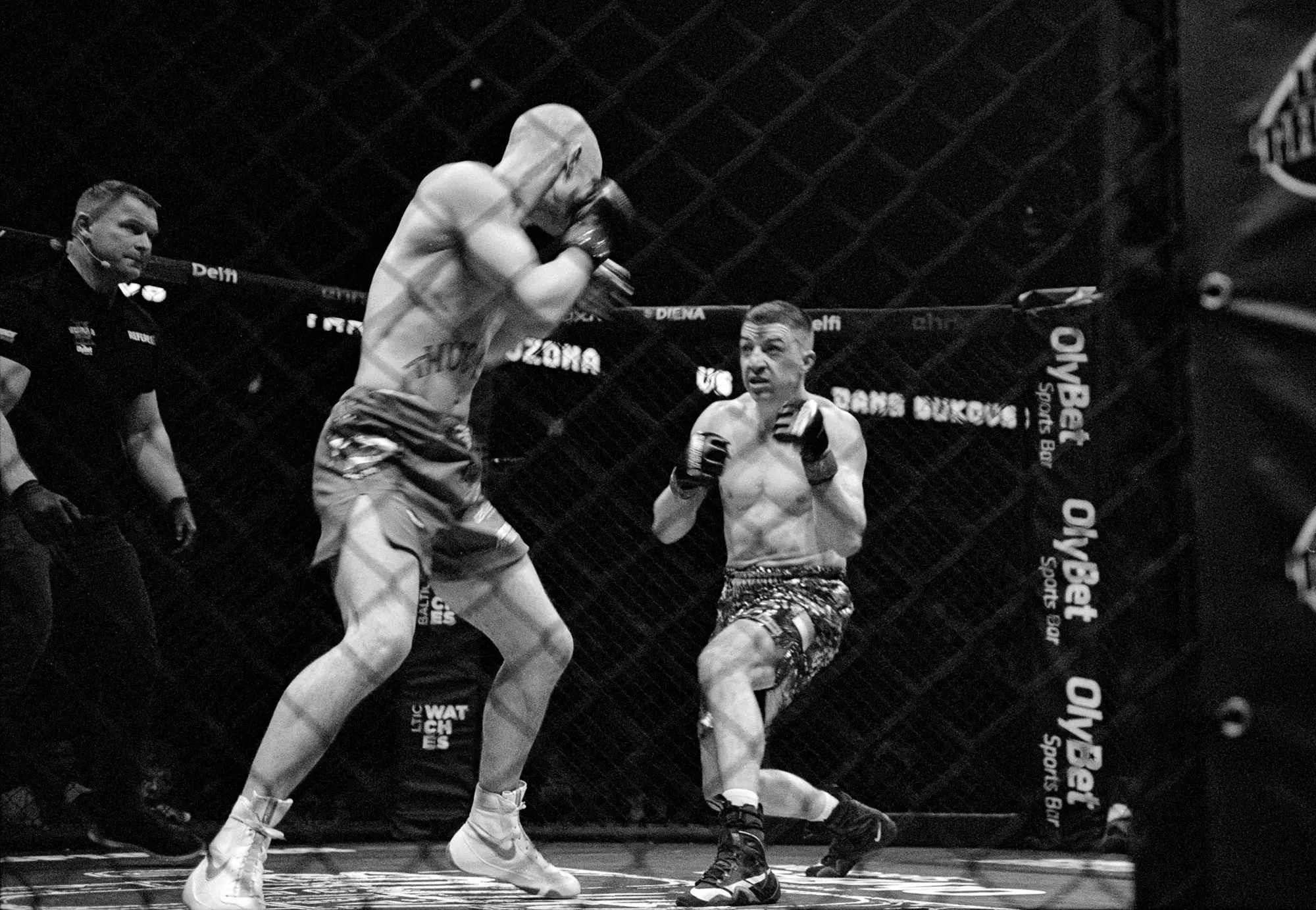
Ilford XP2 Super 400 drum scan example (35mm, C-41 B&W)
A 35mm chromogenic black-and-white negative stress test: deep blacks, bright highlights and fast action. Useful for judging shadow separation and midtone smoothness.
View the XP2 drum scan example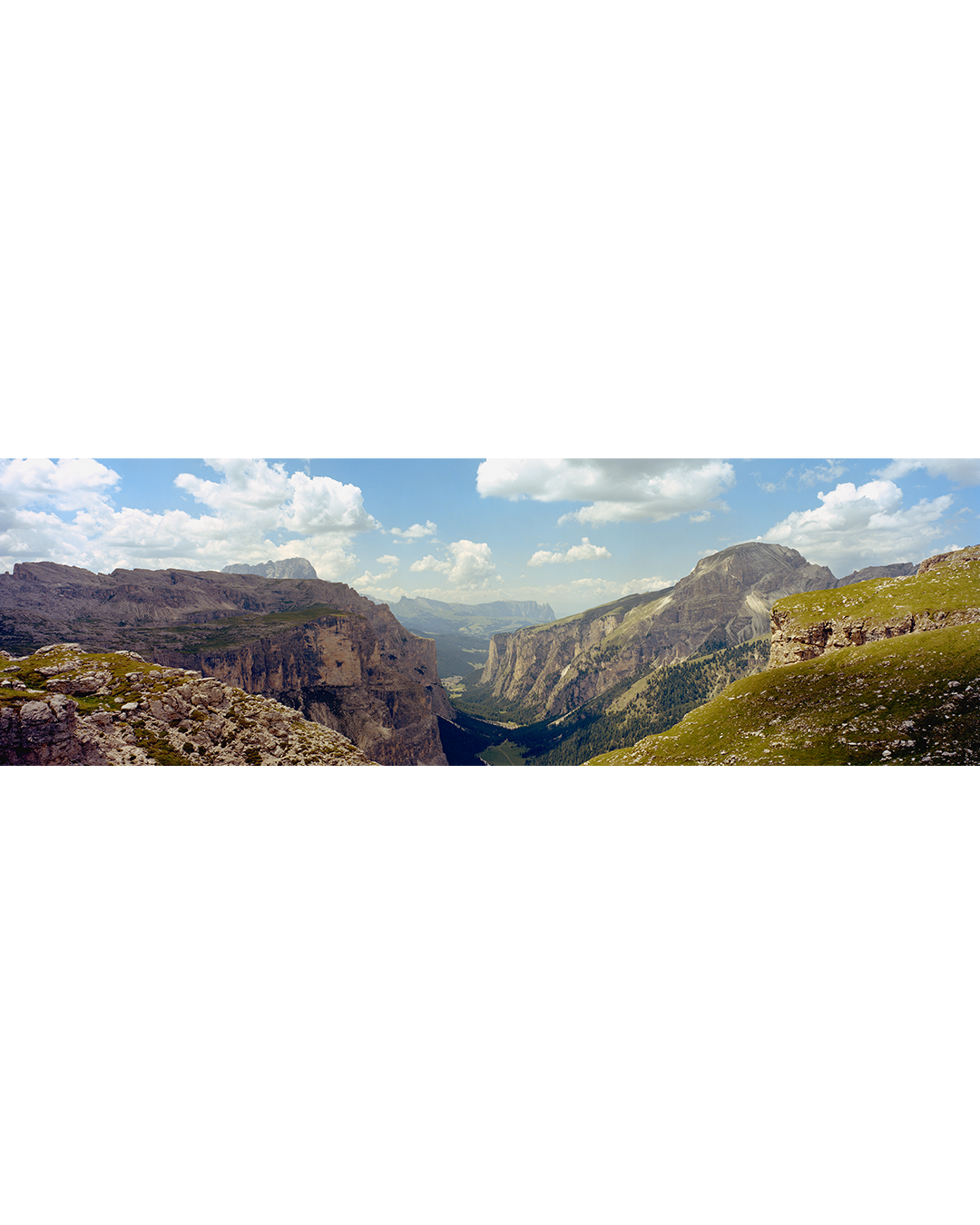
6×17 drum scan panorama (Portra 400)
Wide format is the stress test. It reveals edge-to-edge consistency, evenness across the frame and how the scan holds fine detail across a long negative.
See the 6×17 drum scan sample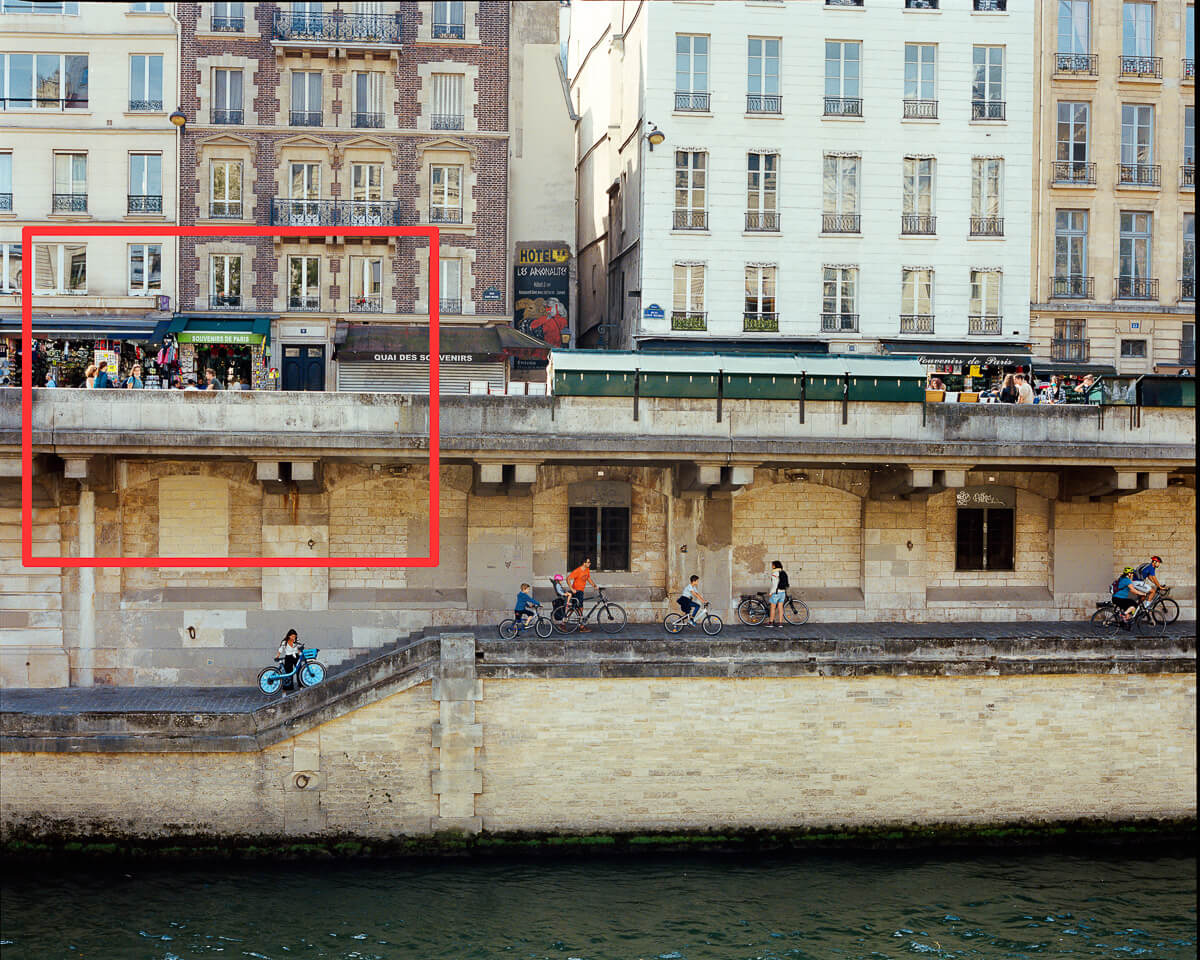
High-resolution drum scan sample (6×7 Portra 400)
A reference post for micro-detail, grain structure and clean edges without “crispy” sharpening artefacts.
Open the high-resolution sample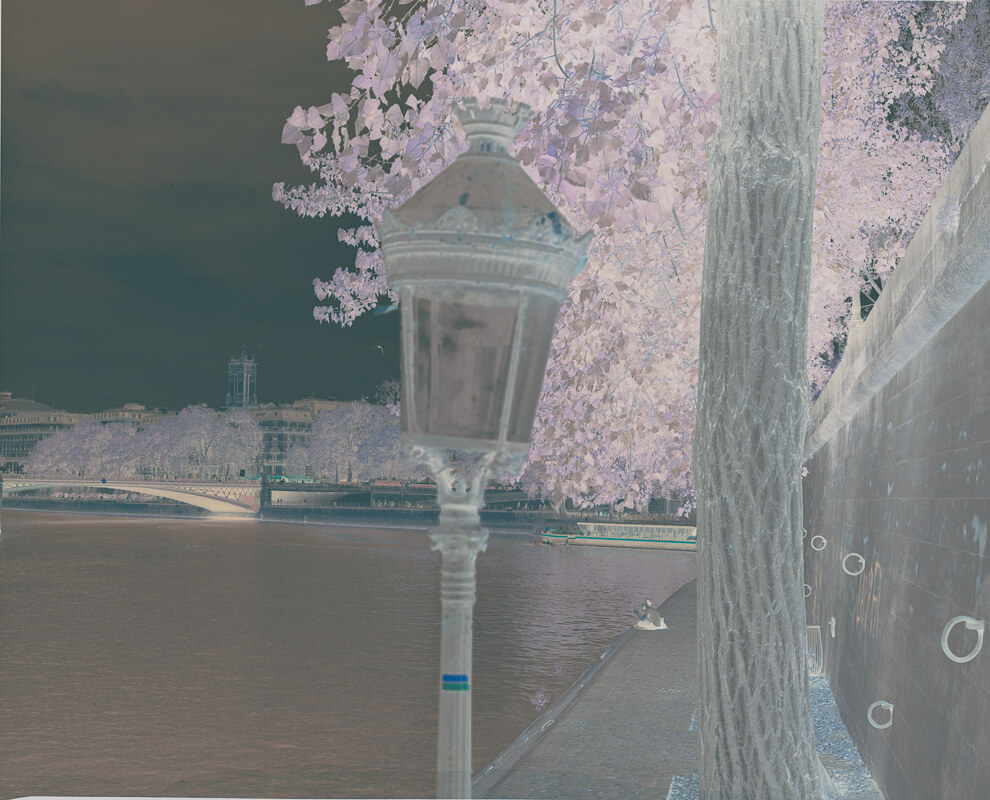
Negative conversion for drum scans (scan-only vs converted files)
What scan-only delivery means, what a converted file includes, and how conversion choices affect shadows, highlights and skin tones.
Read the conversion guideScanner reference
Why these examples look the way they do
If you are comparing scanners, read the Heidelberg Tango drum scanning page. It explains wet mounting, PMT capture, 16-bit TIFF delivery and why a drum scan can hold dense shadows and fine grain cleanly.
Guides
Guides that help you choose the right files
If you are ordering scans, these pages answer the questions people usually have before checkout.
Film scan sizes (M vs L): which size should you order?
A practical explanation of file sizes, print use, cropping headroom and when a larger scan actually matters.
Read the scan sizes guide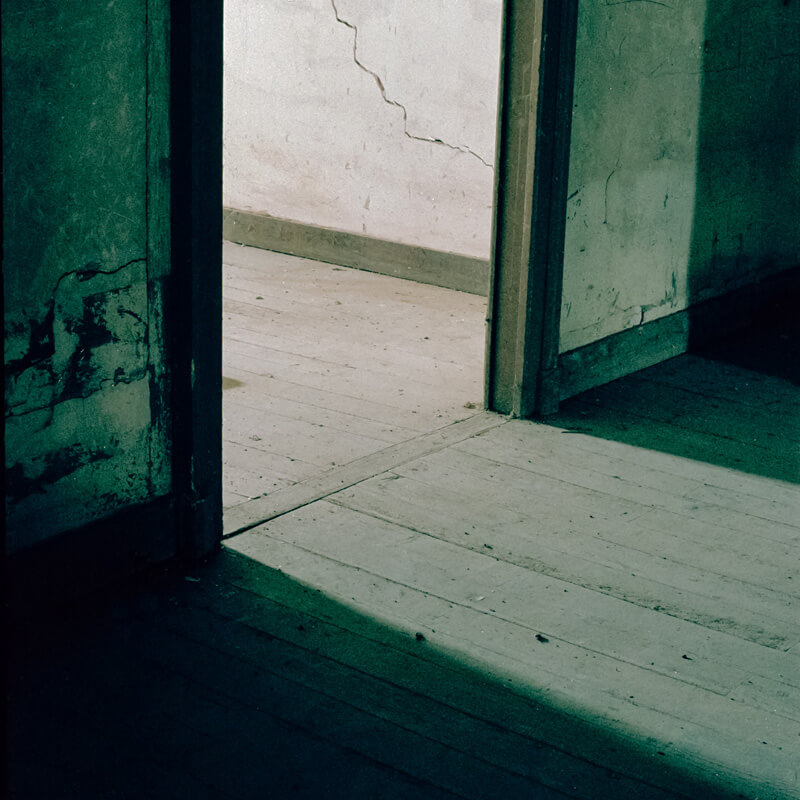
Drum scanning service (how it works + what you get)
The main service page: process overview, what makes drum scans different, and what to request if you want scan-only or finished files.
Go to drum scanning serviceFAQ
Drum scan example FAQ
What should I look for in a drum scan example?
Look at smooth gradients, shadow separation, edge detail and grain. A good drum scan should hold real film texture without crushed blacks, banding, halos or an over-sharpened digital look.
Why do the examples show different film stocks and formats?
Different films reveal different scanning problems. Portra 400 is useful for colour and skin tones, Ilford XP2 shows black-and-white contrast, and 6×17 panoramic film tests film flatness and edge-to-edge consistency.
Are the examples full scans or selected crops?
The example posts use full frames where possible and crop details where they help. The full frame shows borders, overall colour and consistency. Crops show grain, sharpness, texture and how much information the file keeps for printing or retouching.
Do all negatives need a drum scan?
No. Drum scanning is most useful for important negatives, large prints, exhibition work, archive files, publication, dense film and frames that need the cleanest possible file. Simple proofing does not always need the largest scan.
Can I request scan-only files instead of a finished conversion?
Yes. Scan-only files are for photographers who want to handle all colour work themselves. Converted files include manual negative conversion and a clean starting point for editing.


